Revelator has partnered with Feature.fm, the leading platform for music marketing, to help you create smart links and pre-save pages directly from your Revelator dashboard.
Whether you're preparing for a new release or promoting one that's already live, Feature.fm smart links let you market your music more effectively with less manual work.
What are smart links and why do they matter?
Smart links combine all major streaming and purchasing platforms into a single, customizable link. They're designed to:
- Increase streaming numbers by directing fans to their preferred platforms.
- Boost engagement by tracking fan behavior and interactions.
- Simplify promotion by consolidating everything into one shareable link.
How to get started
To use Feature.fm in Revelator, your Parent account must have the integration enabled.
Before you begin
|
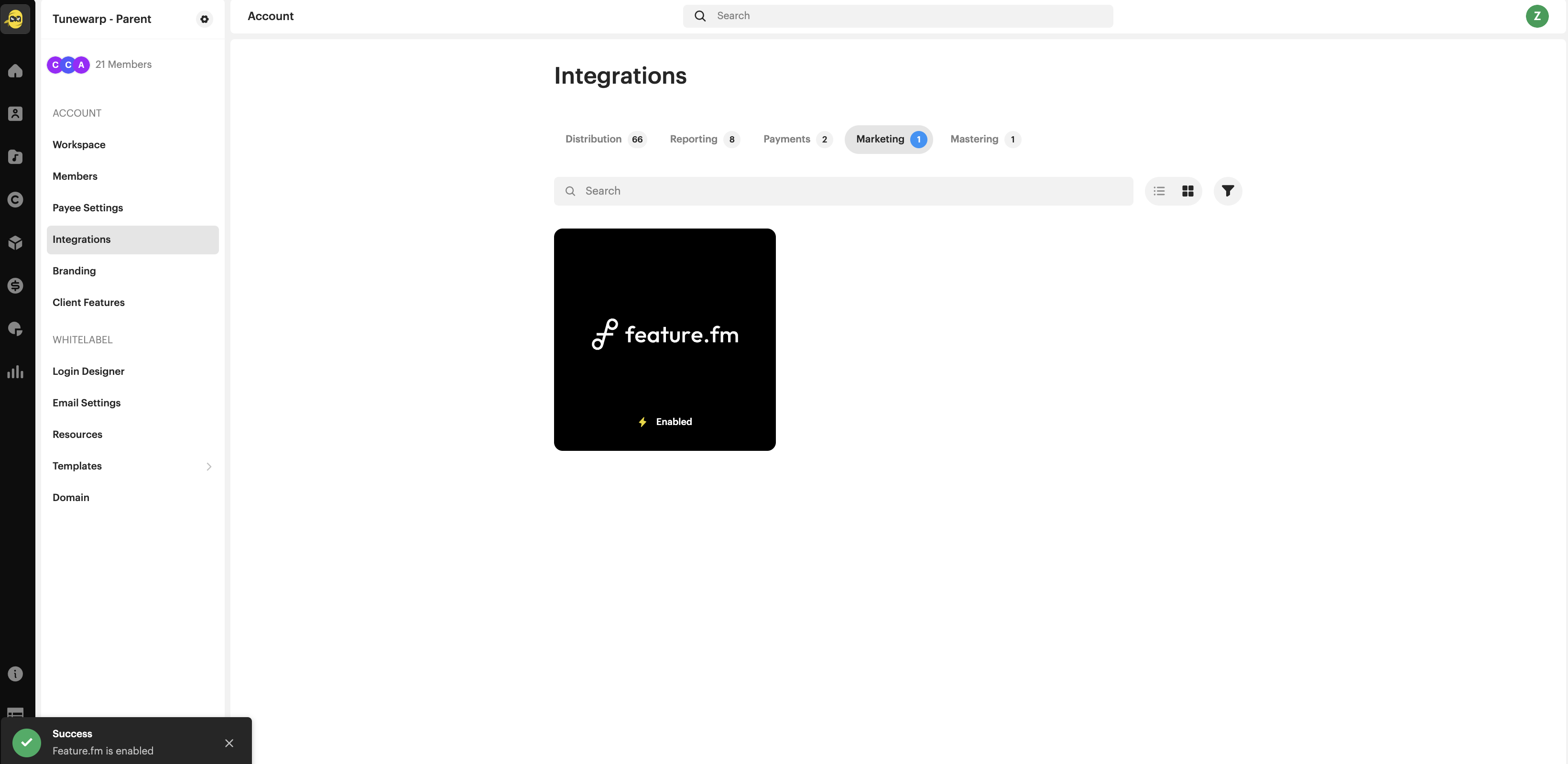
Feature.fm must be enabled in your Parent account integrations:
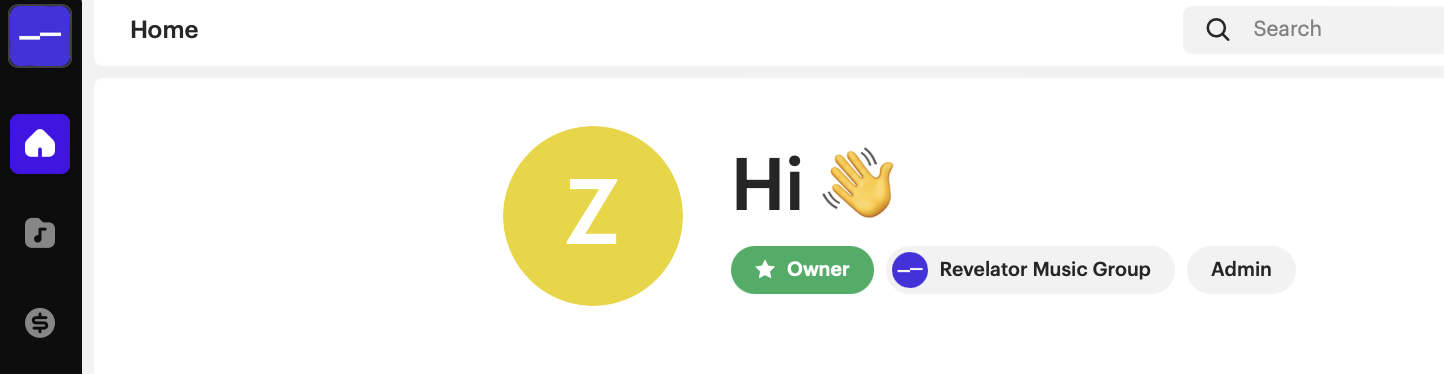
You must be the owner of the account:
| Note If the "Promote" button is missing, double-check that Feature.fm is enabled for your Parent account and that your user has the correct permissions. |
Watch how to generate and share smart links step-by-step:

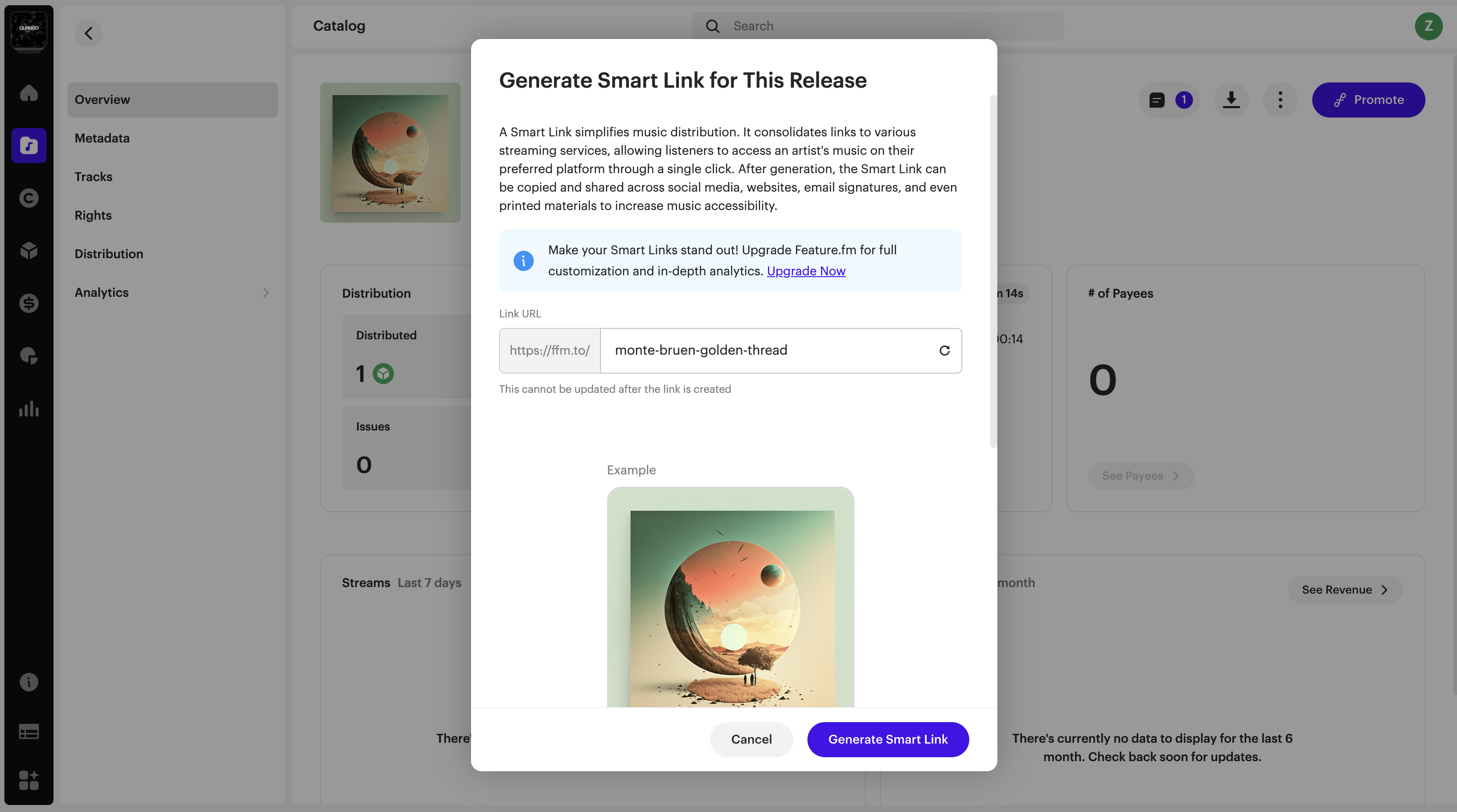
Customize your smart link URL
You can now edit the URL slug (the part after ffm.to/) directly in Revelator Pro. This gives you:
- Better branding (e.g. ffm.to/mynewalbum)
- More control over how your links appear
- Greater shareability across your campaigns
| Important Once the smart link is created, the URL slug cannot be edited. Be sure to finalize your custom slug before generating the link. |
Was this article helpful?
That’s Great!
Thank you for your feedback
Sorry! We couldn't be helpful
Thank you for your feedback
Feedback sent
We appreciate your effort and will try to fix the article