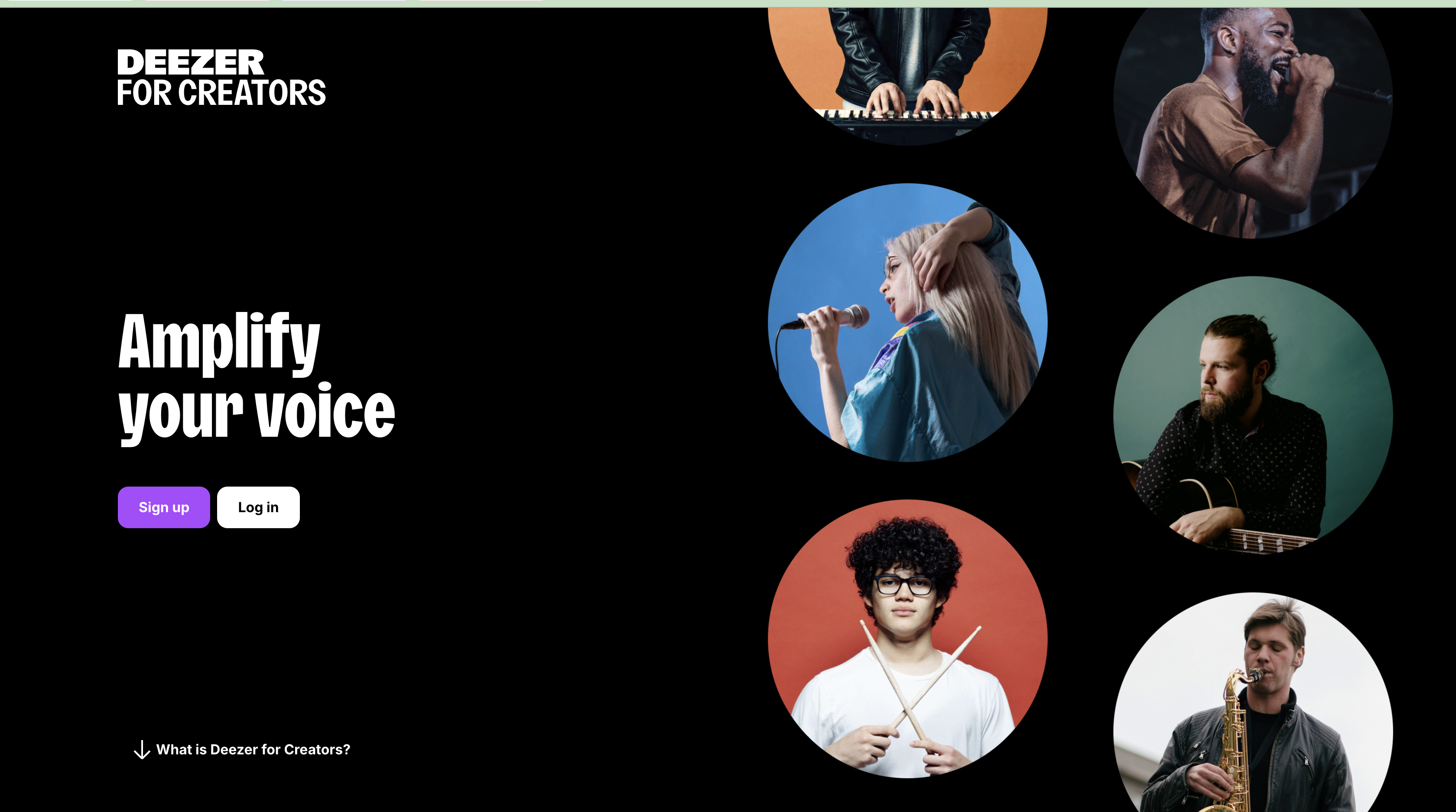
Deezer for Creators allows artists and their teams to claim artist profiles, update profile information, and view performance data.
Claiming your artist profile
- Go to Deezer for Creators .
- Sign in to your account or request access.
- Search for your artist name and select the correct artist profile.
- Submit your claim request.
You may need to provide:
- Your artist name
- Your account email address
- The UPCs of your releases
- Your distributor information
| Processing time Deezer will review your request before granting access. This process may take several weeks. |
Once your profile has been claimed, you can update your biography and profile image, add social media links, and manage other profile information.
What you can do with Deezer for Creators
Deezer for Creators allows you to:
- Update your artist profile
- Manage your profile image and biography
- Add links to your social media profiles
What if my music appears on the wrong artist page?
Sometimes releases from artists with the same or similar names are grouped on the wrong Deezer profile.
If your music appears on another artist’s page—or another artist’s music appears on yours— you can submit an artist separation request through Deezer for Creators .
You can also contact Support with the link to the wrong artist page and the link to the correct one, and we'll send the remap request to Deezer. Deezer usually completes it within 3 to 5 days.
Was this article helpful?
That’s Great!
Thank you for your feedback
Sorry! We couldn't be helpful
Thank you for your feedback
Feedback sent
We appreciate your effort and will try to fix the article